Interactive TUI
Fuzzy Finding
Vim Keybindings
Zero Config
Open Source
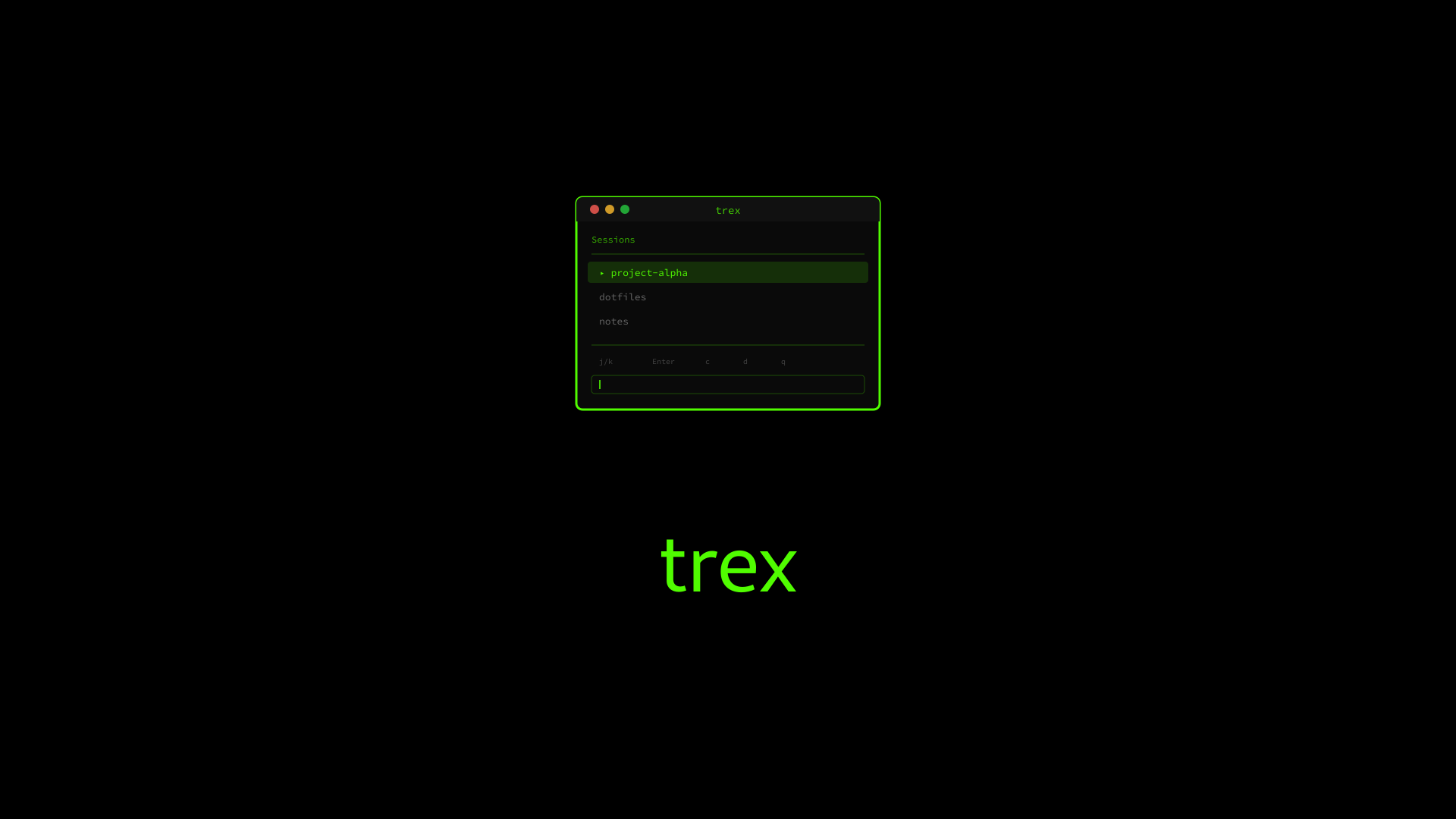
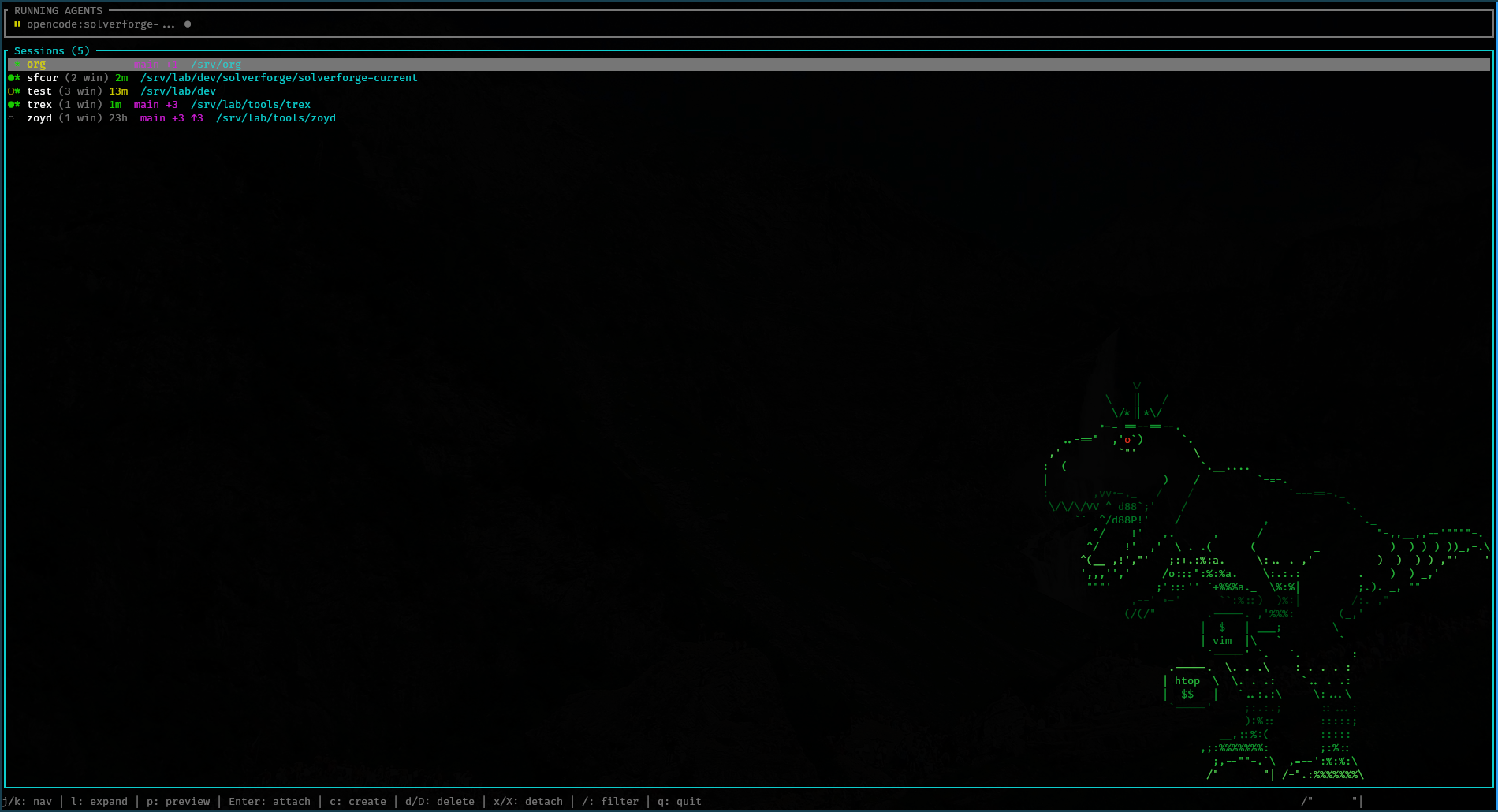
Screenshots#
GitHub#
Installation#
Cargo Recommended#
cargo install trex
The easiest way to install trex if you have Rust installed.
Binary Download#
Download the latest release from GitHub:
# Download
curl -LO https://github.com/blackopsrepl/trex/releases/latest/download/trex-linux-x86_64.tar.gz

# Extract
tar -xzf trex-linux-x86_64.tar.gz

# Install
sudo mv trex /usr/local/bin/
Pre-built binaries are statically linked for universal Linux compatibility.
Build from Source#
git clone https://github.com/blackopsrepl/trex
cd trex
cargo build --release
The binary will be at target/release/trex.
Quick Start#
trex must be run from outside tmux. If you try to run it from within a tmux session, it will exit with an error message.
# Just run it
trex
That’s it. No configuration files needed.
Zsh Keybinding — Add this to your .zshrc to launch trex with Ctrl+T:
trex-widget() {
  zle push-input
  BUFFER="trex"
  zle accept-line
}
zle -N trex-widget
bindkey '^T' trex-widget
Features#
Session Management
Core
Browse & Control
Create, attach, delete, and detach tmux sessions with simple keyboard shortcuts. Navigate with vim-like keybindings.Fuzzy Search
Fast
Powered by nucleo
Quickly filter sessions and directories with fuzzy matching. The same algorithm used by popular fuzzy finders, optimized for speed.Directory Discovery
Smart
Filesystem Scan
Discover directories across your filesystem with configurable depth (1-6 levels). Automatically prioritizes your current directory and common project locations.Smart Selection
Context
Auto-preselect
Automatically preselects sessions matching your current working directory. First by exact path match, then by directory name.
Keybindings#
Normal Mode#
| Key | Action |
|---|---|
j / k | Navigate down / up |
g / G | Jump to first / last |
Enter | Attach to session |
c | Create new session (directory mode) |
d | Delete selected session |
D | Delete all sessions |
x | Detach from selected session |
X | Detach all clients |
/ | Enter filter mode |
q / Esc | Quit |
Directory Selection Mode#
| Key | Action |
|---|---|
j / k | Navigate directories |
g / G | Jump to first / last |
Enter | Create session in directory |
Tab | Complete filter with path |
+ / - | Increase / decrease scan depth |
Esc | Cancel and return |
Filter Mode#
| Key | Action |
|---|---|
| Type | Filter sessions/directories |
Backspace | Delete character |
Esc | Exit filter mode |
Architecture#
graph TD
    subgraph CLI["trex CLI"]
        A[main.rs]
    end

    subgraph TUI["TUI Module"]
        B[app.rs
State & Logic]
        C[events.rs
Key Handling]
        D[ui.rs
Rendering]
    end

    subgraph TMUX["tmux Integration"]
        E[commands.rs
TmuxClient]
        F[parser.rs
Session Parser]
        G[session.rs
TmuxSession]
    end

    subgraph DISCO["Directory Discovery"]
        H[directory.rs
Filesystem Scan]
    end

    A --> B
    A --> E
    A --> H

    B --> C
    B --> D
    B -.-> |nucleo| I[Fuzzy Matching]

    E --> F
    E --> G

    D -.-> |ratatui| J[Terminal UI]
    D -.-> |crossterm| K[Raw Mode]
Highlights#
Single binary, zero config — Just run
trex and start managing sessions. No configuration files, no setup, no dependencies.Blazingly fast — Written in Rust with the
nucleo fuzzy matching library. Handles thousands of directories instantly.
Static builds — Pre-built binaries are statically linked for universal Linux compatibility. No runtime dependencies.
Tech Stack#
Rust
ratatui
crossterm
nucleo
anyhow
thiserror