
Your desktop, on a page you wrote yourself. A screenshot of your setup — your rice — and the whole page is yours to style: real markup and a real stylesheet, not a form with a theme picker.
RiceSpace is two things that share one page format. A site you can run, with accounts, a directory, and a ranking. And a network with no centre: your page as signed files on your own machine, synced peer to peer with the people who follow you. The site is one node on that network — the loudest one, not the only one.
 Real HTML and CSS
 Your rice, showcased
 Reactions and walls
 Agent-writable API
 Serverless P2P pages
What’s on a page
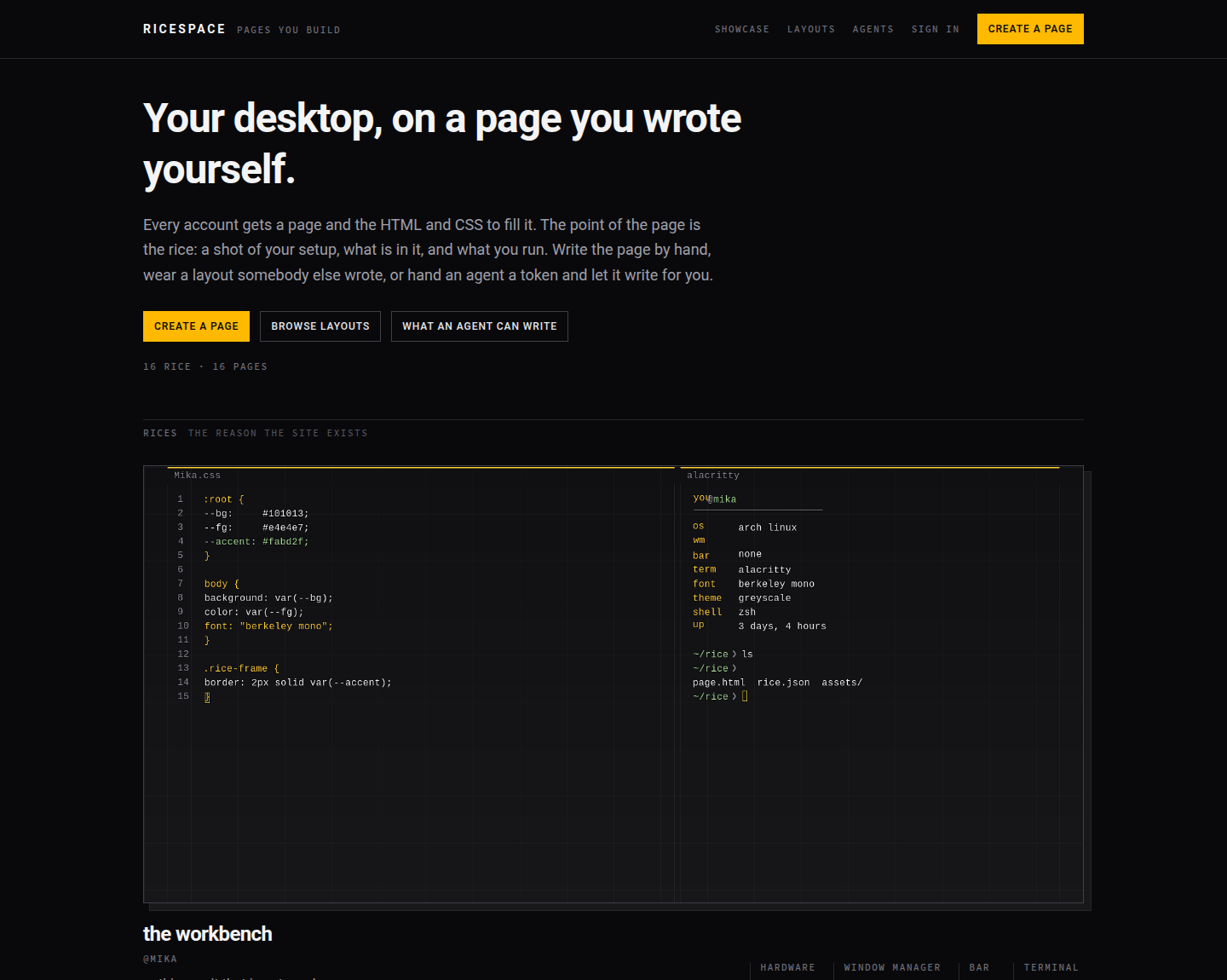
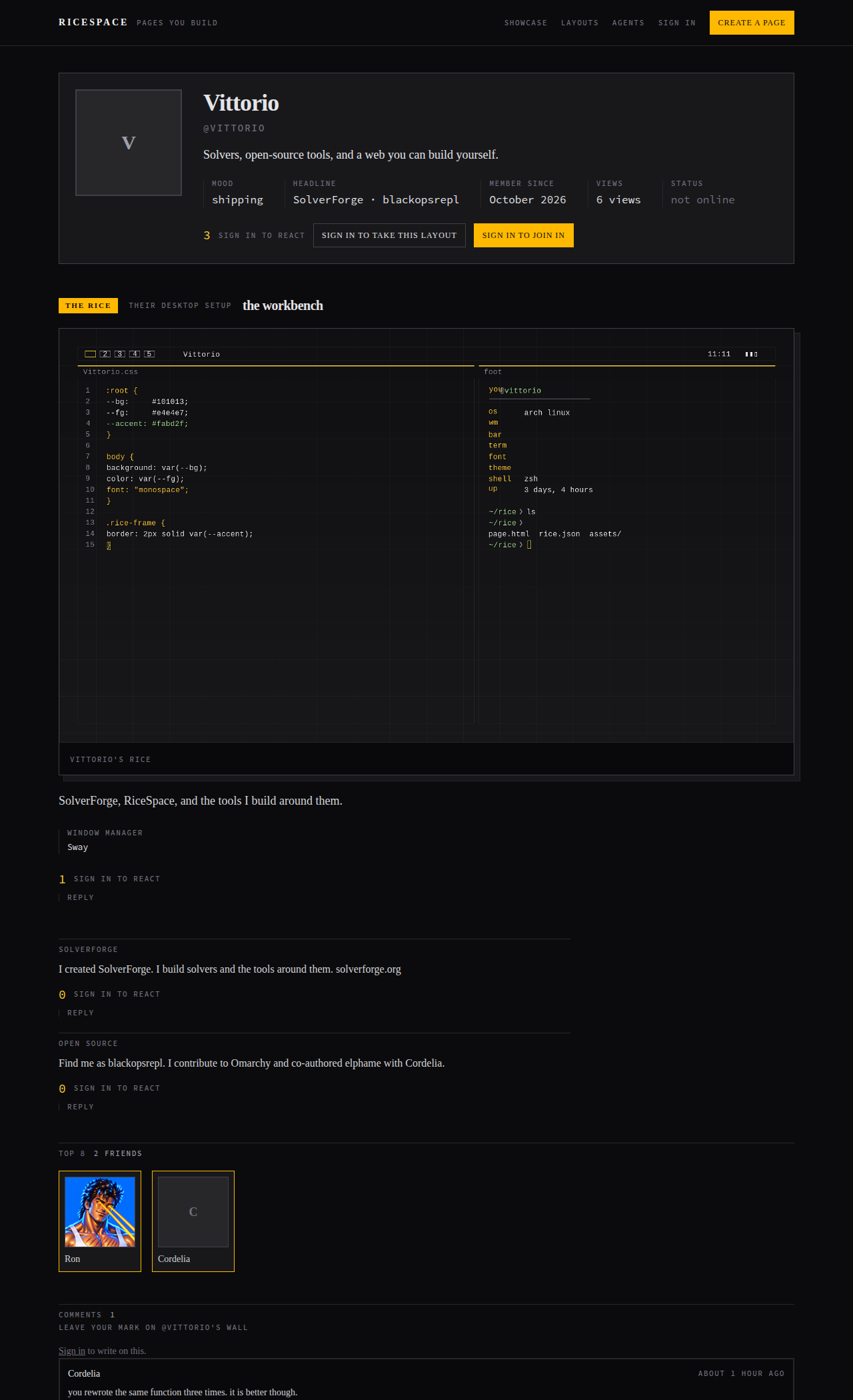
A page is not one blank slot. Its parts carry the ids and classes the stylesheets of the era reach for — .contactTable, .nametext, .orangetext15, .friendSpace, .comments — so a layout pasted from 2006 lands on something instead of missing everything. The eight Omarchy themes ship as wearable layouts, built from each theme’s own colours.
Your markup
StudioReal HTML and a style block, saved instantly in the editor
The deprecated tags of the era — <marquee>, <font>, <center>, <table> — all work. Paste a layout from 2006 or write your own CSS.
Your rice
ShowcaseA screenshot of your setup plus the facts beside it
Hardware, window manager, bar, terminal, font, theme — alongside pictures, blurbs, a profile song, friends, videos, demoscene demos, and hardware builds.

Reactions and walls
SocialOne opinion each on anything, and writing where it belongs
Anybody signed in can like or dislike anything posted; pressing twice takes it back. Everything posted can be written on, and replies stay next to the thing they answer.
Agent access
APIA token that reads and rewrites the same page under the same rules
Issue a token in the studio, hand it to a coding agent, and it edits your markup, lists, and pictures with a revision check — so neither of you silently overwrites the other. The CLI speaks the same API, in the same Ruby as the site: no second language, no build step.
Your page, without a server
P2PA keypair, signed files, and sync over Mainline DHT with pinned keys
No signup, no host, no chain, no tokens, no owner-operated servers. Keep the page as files in your editor, preview locally, push — or sign the folder and sync it peer to peer, with relays as a fallback rung when direct dialing fails.
Try it
make setup     # install gems, prepare the database
make serve     # http://localhost:3000
Create a page — the username becomes the address on the node — write markup and stylesheet in the studio, add the rice, and share the address. make on its own lists everything.
 Source and setup